How to Install Software on a Laptop: A Practical Guide
SoftLinked's step-by-step guide to installing software on a laptop covers sourcing, verification, installation, updates, and troubleshooting for safe, reliable results.


Why installing software on a laptop matters
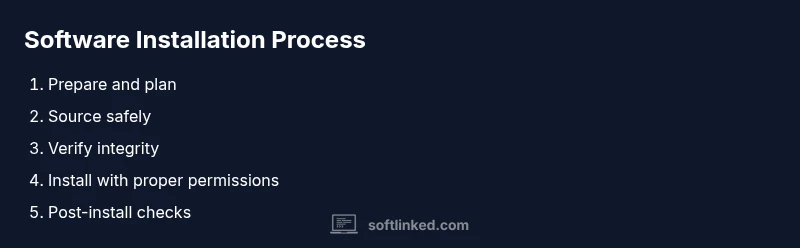
For students, developers, and professionals, knowing how to install software in a laptop is a foundational skill. This process enables you to add essential tools, utilities, and development environments that power learning, experimentation, and productivity. According to SoftLinked, adopting a structured approach to installation reduces risk, ensures compatibility, and speeds up onboarding for new projects. When you understand the full lifecycle—from sourcing to post-install checks—you gain confidence to explore new applications without compromising system stability. In practice, you’ll encounter differences across operating systems, installers, and vendor practices, but the core principles remain the same: trustworthy sources, verification, and a clean setup. If you’re wondering how to install software in laptop, this guide will walk you through every step with practical, real-world tips.
Understanding these steps helps you avoid common mistakes, like downloading from untrusted sites, overlooking platform-specific requirements, or rushing through permissions prompts. The goal is a reliable, repeatable process that you can apply to a wide range of software, from productivity tools to development stacks. By building a solid foundation now, you’ll save time and frustration on future installations, maintain better security hygiene, and stay aligned with best practices recommended by software engineering educators. SoftLinked emphasizes that clear documentation and mindful checklists are your best allies in this journey.